Usage notice: This product does not support direct use within mainland China's network environment. Please make sure you have your own working overseas network environment. No refunds will be issued for failures caused by an incompatible network environment.
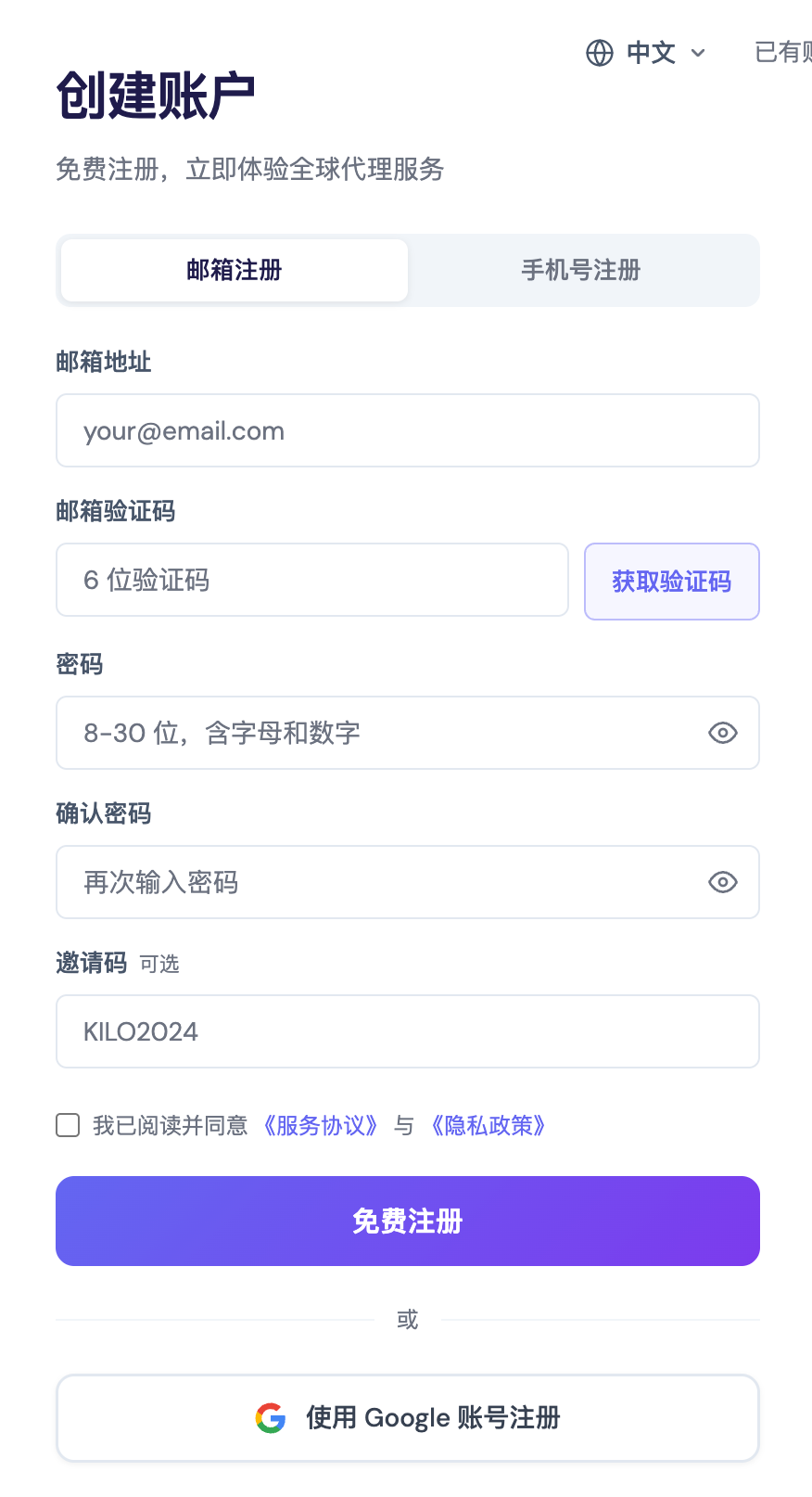
Step 1: Register an account
The KiloProxy platform offers two registration methods: email registration or phone number registration. You can also log in directly with a Google account.
Step 2: Log in to your account
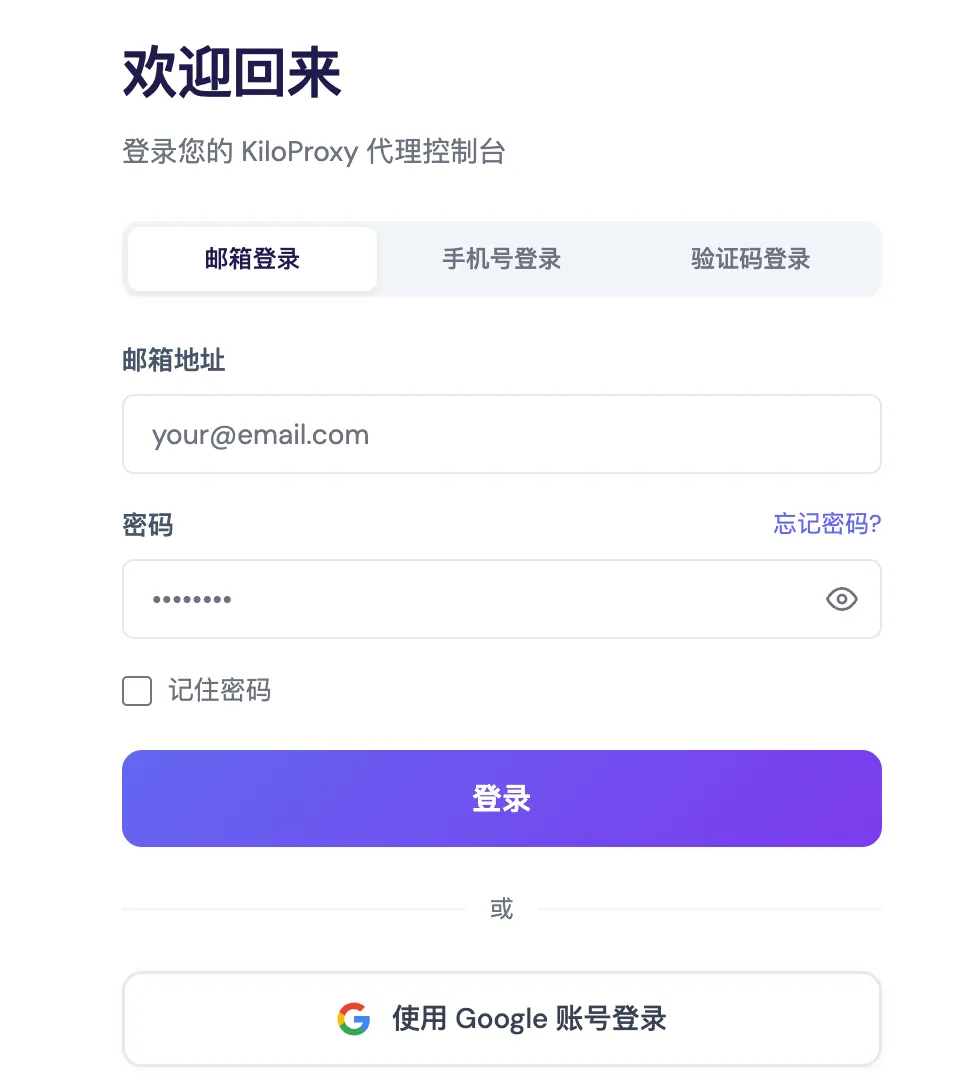
After registering, you can log in using any of these four methods: email + email password, phone number + password, phone number + verification code, or Google account login.
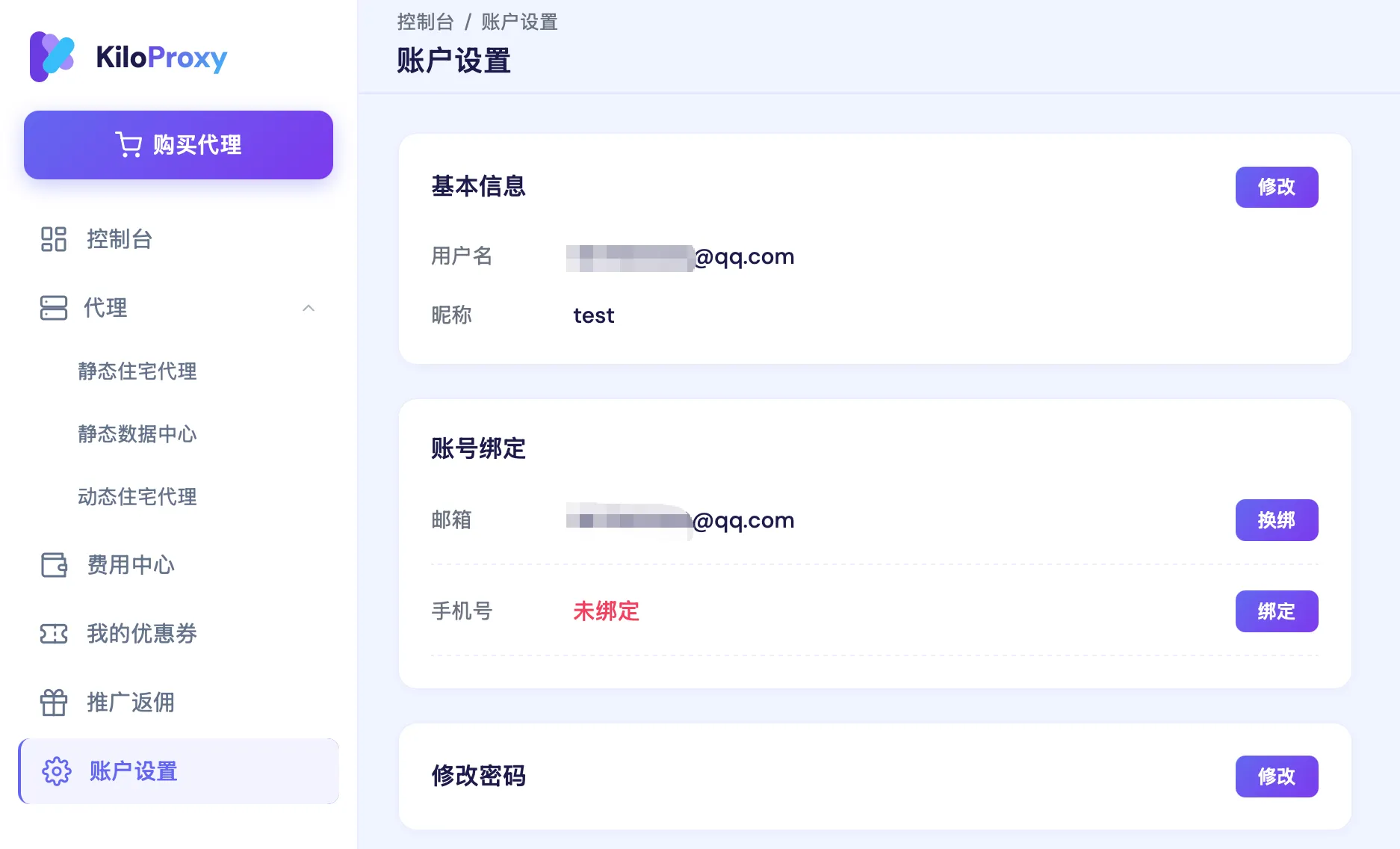
Step 3: Check [Account Settings]
Here you can change your account nickname, bind or rebind your email/phone number, and change your password.
If you have any questions during use, please contact KiloProxy official support on WeChat 👇